
Financial infrastructure
for AI agents.
Accounts, payments and permissions.
Connect your agents. Set their access. Approve their payments.
Manage every
agent account.
Balances, activity and statements in the web portal. Payment approval and account access on your iPhone.

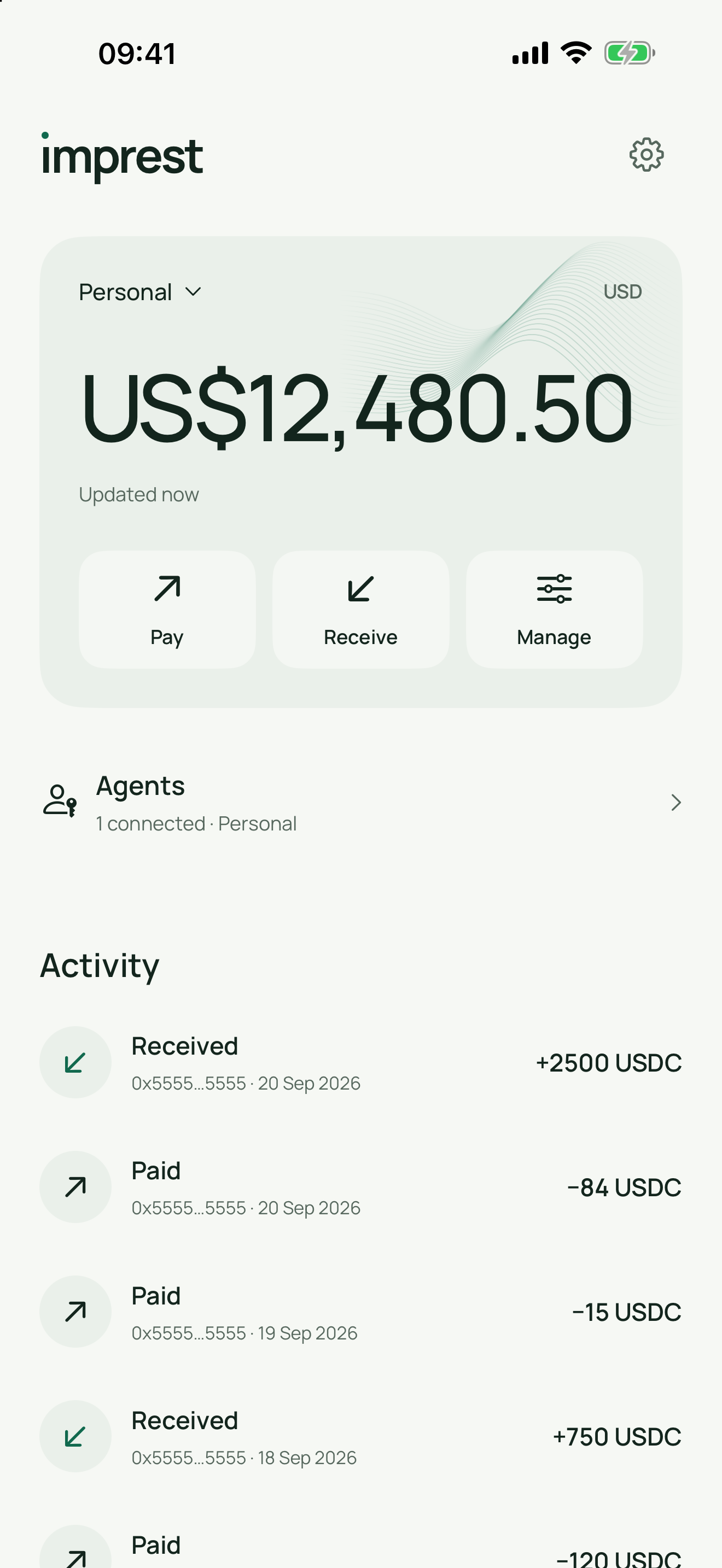
In the iPhone beta
Get paid
Get paid
by name.
Share your @handle or pay link. People on Imprest pay you by name, and agents can pay a link directly. Money arrives as USD Coin in an account only your iPhone can spend from.
- Pay people, not addressesSend to an @handle or a pay link. Imprest fills in the details and shows any fee before you approve.
- Bring money from an exchangeMove USD Coin in from an exchange or another app on the Base network. Exchange details shows the address to use.
- Only you approveEvery payment needs Face ID or your passcode. Agents can ask; they can’t spend.
ımprestPay link
Pay @alex
$25.00
@handlePay linkQR code
- To
- Alex (@alex)
- Fee
- Shown before you approve
- Arrives
- In seconds
Review agent
payments.
Check the recipient, amount and purpose before approving a request. Agents never receive your signing keys.
Research agentConnected to Work
I need to renew our workspace subscription.
$39.00One-time payment
Payment requested
ımprestFor your review
Workspace subscription
$39.00
Requested by Research agent
- From
- Work account
- To
- Workspace provider
- Permission
- You approve every payment
Connect through
MCP or API.
Scope each agent to an account. Grant read access or a payment request allowance, with an expiry you choose.
Discuss an integration